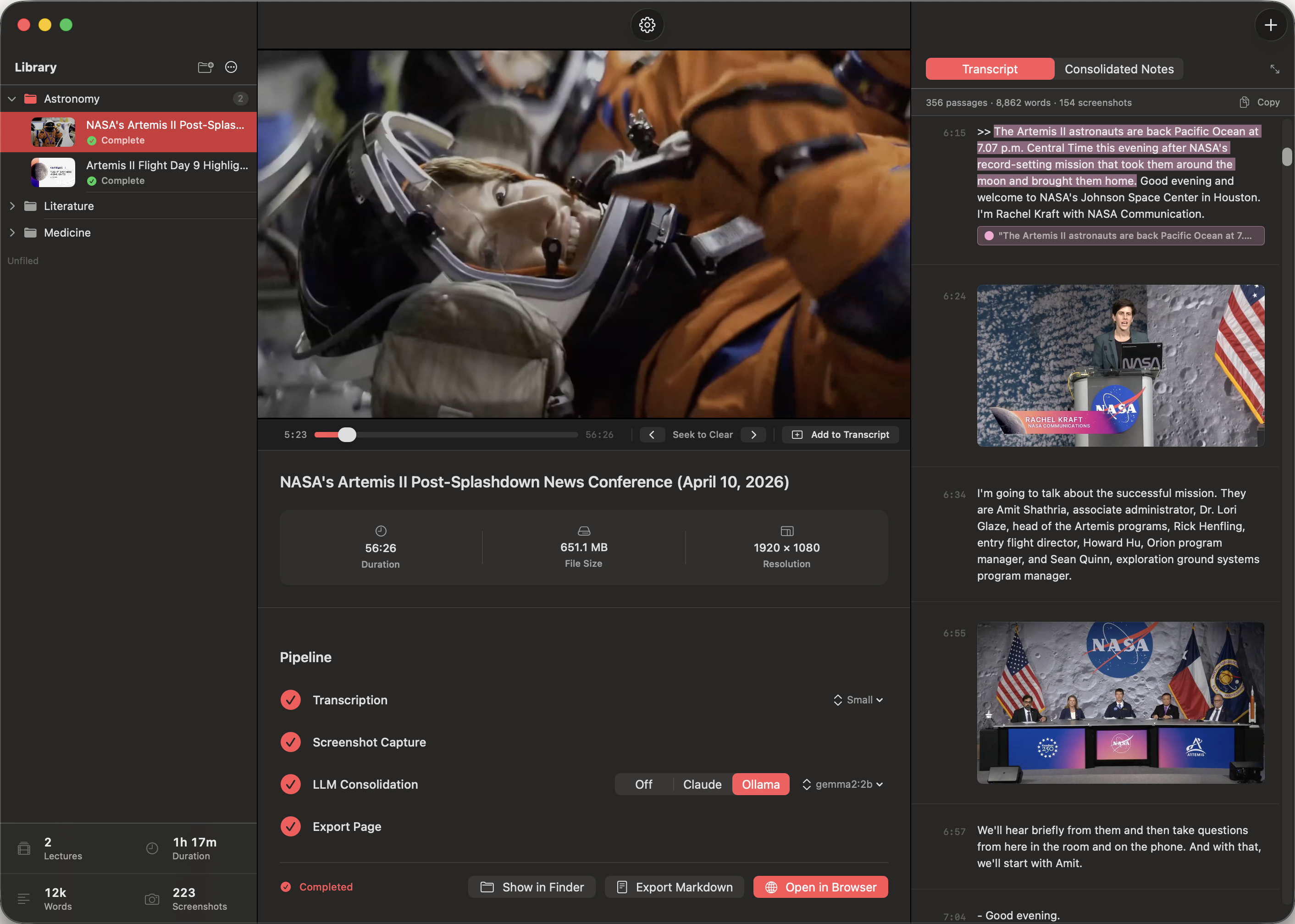
Harvestry transcribes your videos — lecture recordings, online courses, tutorials, conference talks — captures the key screenshots, and exports a polished, interactive study document — entirely on your Mac, entirely in private.
Requires macOS 15 or later · Apple Silicon
The gravitational force between any two objects is proportional to the product of their masses and inversely as the square of the distance. F = Gm₁m₂ / r². Every object attracts every other object.
Kepler found the ellipse empirically from Brahe's data. Newton showed why it must be an ellipse. That's the difference between observation and understanding.
Key: Kepler described the orbit, Newton explained it. Same pattern throughout physics.
The impressive thing is the universality. The same law — same equation, same constant G — works for the apple, the moon, Jupiter's moons, and the double stars.
Nature uses only the longest threads to weave her patterns, so each small piece of her fabric reveals the organization of the entire tapestry.
WhisperKit runs entirely on the Apple Neural Engine. Five model sizes, fully offline, zero cloud fees — no audio ever leaves your Mac.
Coverage-based scene detection fires when the content changes, not when the presenter moves. Blur analysis ensures every captured frame is worth keeping.
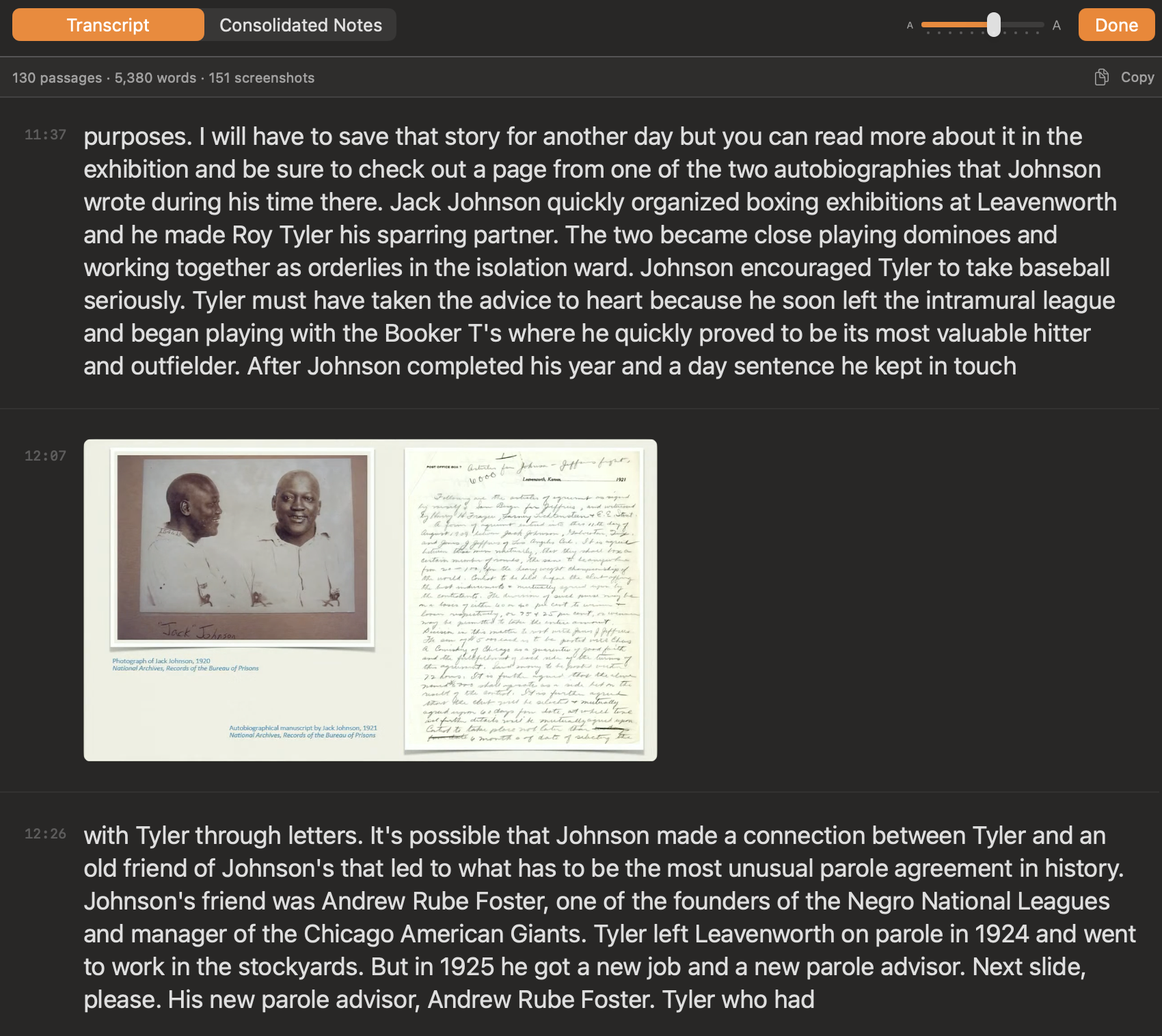
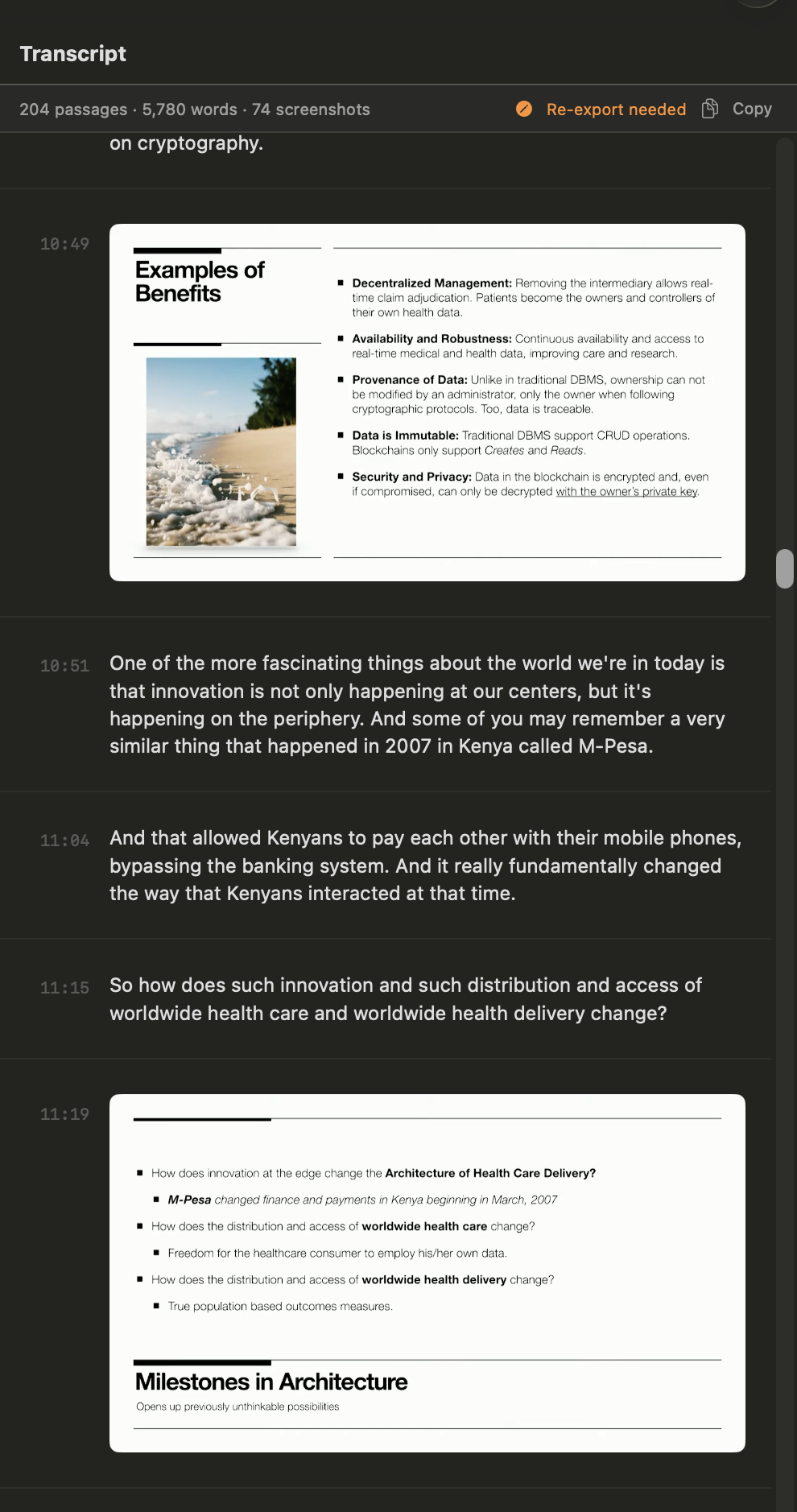
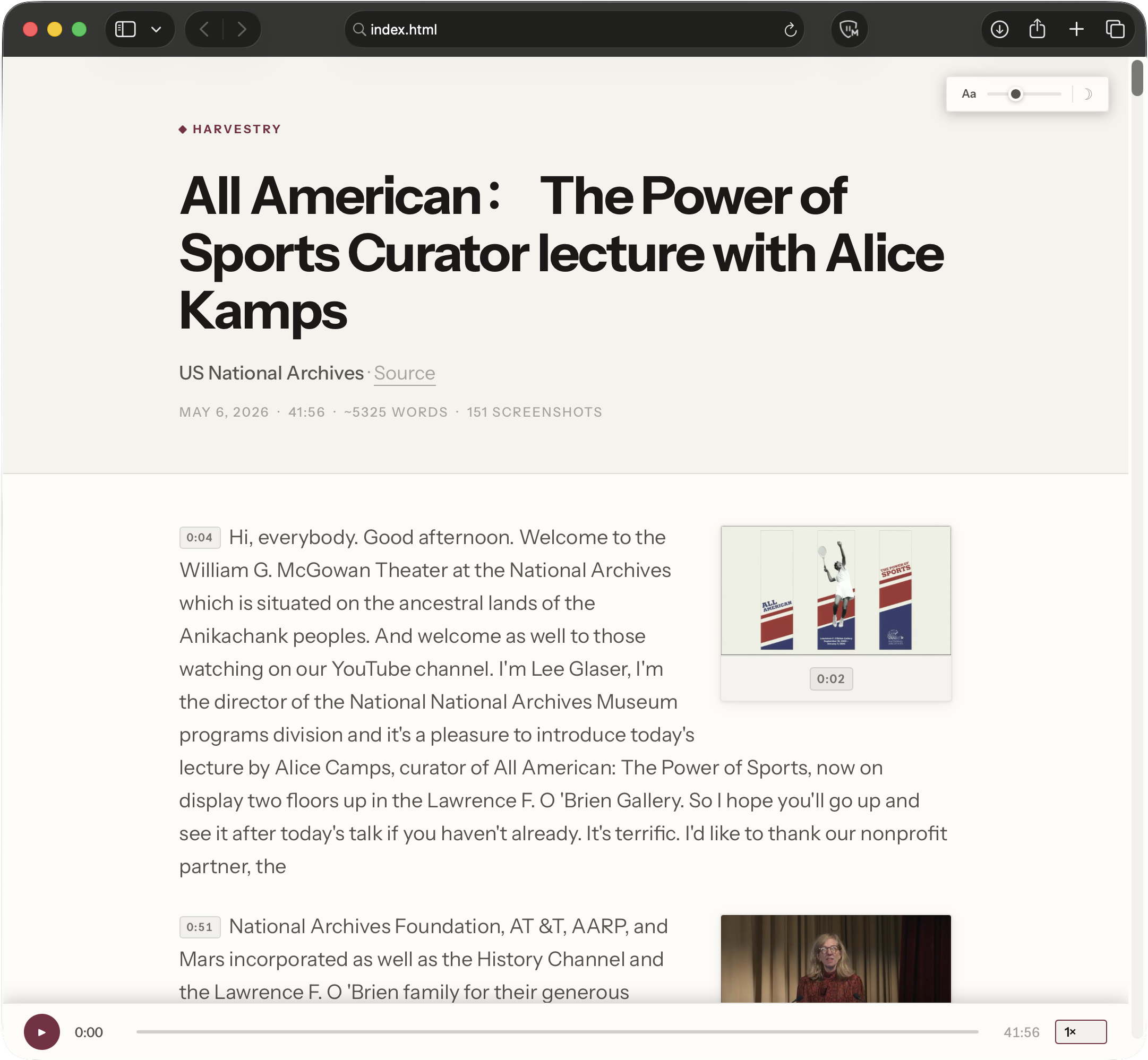
A self-contained study page that opens in any web browser — on your Mac, iPhone, or any device. Live word highlighting, text annotations, audio sync, and dark mode built in. No internet required.
Harvestry uses WhisperKit — Argmax's optimised framework for running OpenAI's Whisper on Apple Silicon. Every word is processed on the Apple Neural Engine, the dedicated ML accelerator in every M-series chip. No API key. No audio upload. No subscription.
Five model sizes let you dial in exactly the right tradeoff for your video. Tiny finishes a 90-minute video in minutes. Large Turbo captures technical vocabulary, proper nouns, and accented speech that smaller models miss.
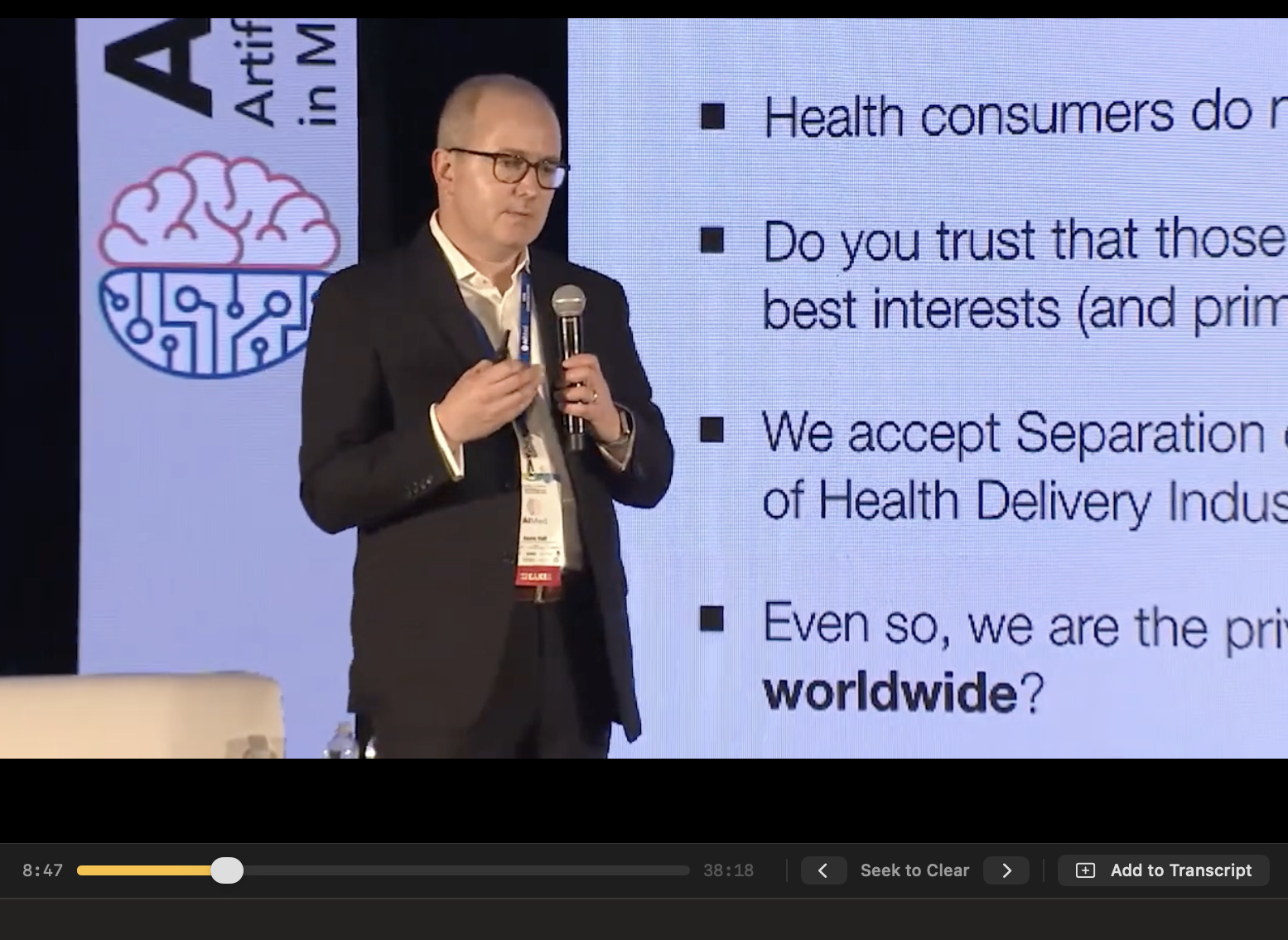
Not every frame deserves a screenshot. Harvestry's capture pipeline understands the difference between a slide transition and a webcam thumbnail bouncing in the corner — and only fires for the former.
Automated capture is thorough, but you know your video better than any algorithm. Harvestry gives you a full suite of curation tools so you can take the result from good to exactly right — without rerunning any processing.
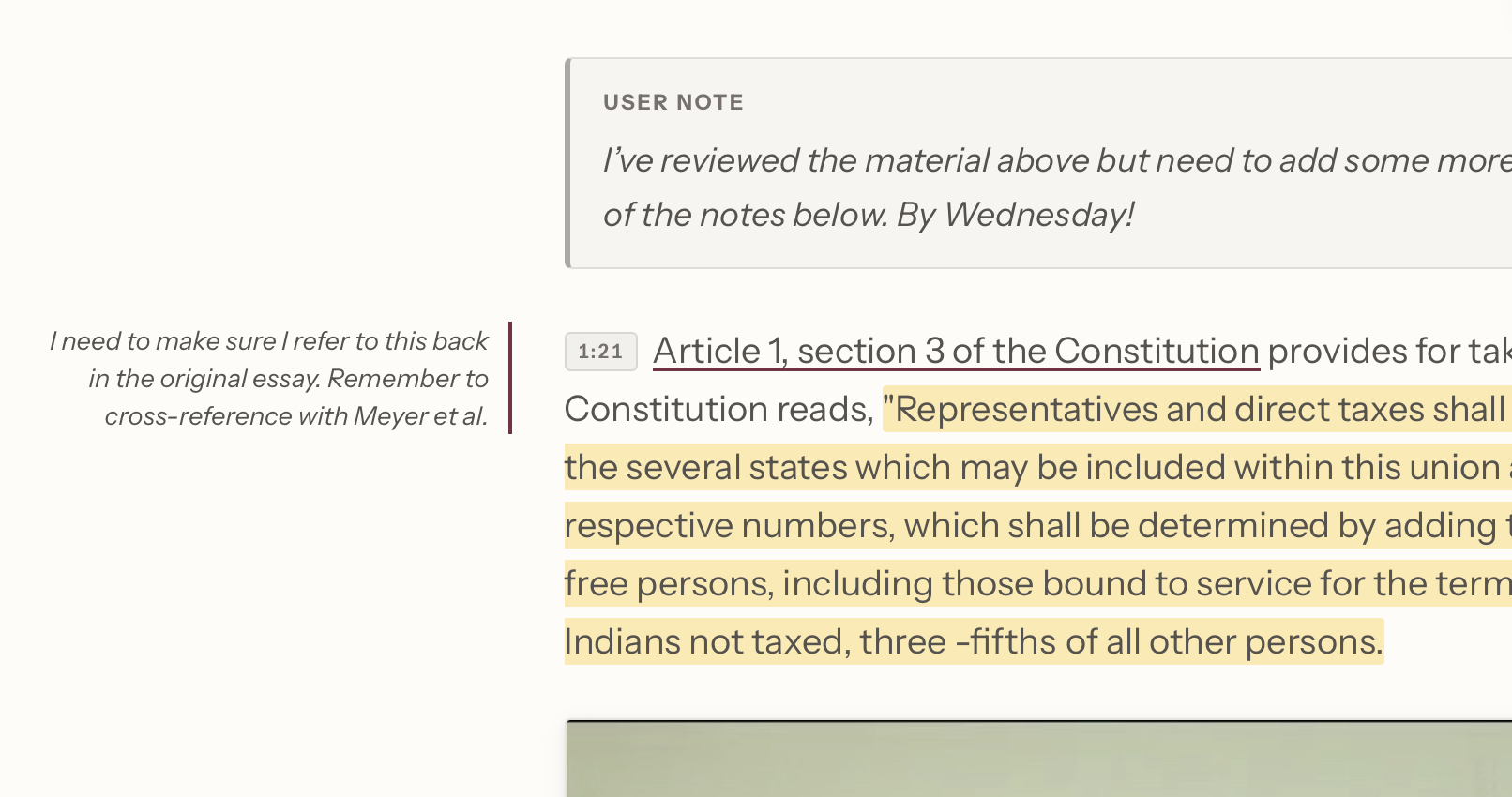
All markup is created in the app and baked into the exported HTML — not applied later in the browser. Share the file and the annotations are already there, visible to anyone, in any browser.
<mark> elements in the HTML. Visible the instant the file opens.The export isn't a raw text dump. Harvestry generates a polished, fully self-contained HTML page you open directly in Safari, Chrome, or any browser — styled like a high-quality editorial publication, with live audio playback, per-word highlighting, and text markup built in.
As the video plays, each word lights up in real time. Click any timestamp to jump to that moment.
Four highlight colours and margin notes are created in the app and baked into the HTML — visible to anyone the moment the file opens, no interaction required.
Toggle with one click. Theme and font-size preferences persist across every reload.
No CDN fonts. No remote scripts. Works in any browser, on any device, with no internet — today or in ten years.
Transcription, screenshot capture, and HTML export all run locally. No audio, no video, and no images are ever transmitted anywhere. The core pipeline has no network dependencies beyond the video download itself.
The one optional exception: if you choose to use the Claude API for LLM consolidation, your transcript text is sent to Anthropic's servers over HTTPS. This step is always opt-in — the base processing pipeline is fully local whether or not you use it. The Pro tier supports local Ollama models instead, keeping even that step entirely on-device.
A raw transcript is accurate. It isn't always elegant. Spoken content is conversational, not written — presenters repeat themselves, revise mid-sentence, and circle back. The optional consolidation stage sends your transcript through an LLM and produces a second, refined version of your study document: same facts, same structure, clearer writing.
Routes your transcript through Anthropic's Claude API. Produces consistently high-quality, well-structured academic prose. Fast, with no local setup required beyond an API key.
⚠ Transcript text is sent to Anthropic over HTTPS. Use local Ollama instead if your video contains sensitive material.
Connects to a locally running Ollama instance. Any compatible model — Llama, Mistral, Gemma, and others. Nothing leaves your Mac. No per-token cost. No internet required.
Requires a capable Mac and a few minutes of Ollama setup. Once running, it is completely private and free of any external dependency.
The consolidated document flows into the same HTML export pipeline as the base transcript — same typography, same audio sync, same layout. Both versions are fully editable in Harvestry before export. Coming soon
Every label, prompt, status message, and tooltip is fully localised. Harvestry respects your macOS language preference automatically — no configuration required.
Download Harvestry and turn your first video into a study document — free. No subscription, no account. Drop in a file or paste a URL and press Begin Processing.
Requires macOS 15 or later · Apple Silicon · Free trial included